Upload multiple files
Add all your Excel, CSV, or spreadsheet files together in one go—no need to merge them manually first.

AI DATA MANAGEMENT & DISCOVERY IN ACTION
See how the AI reads multiple spreadsheets together, detects columns automatically, and removes duplicates. Watch as it searches for missing social media profiles (Insta, FB) based on the names provided, and sorts everything into clean, filtered sheets—location-wise, name-wise, or by any field you select—with just one click.
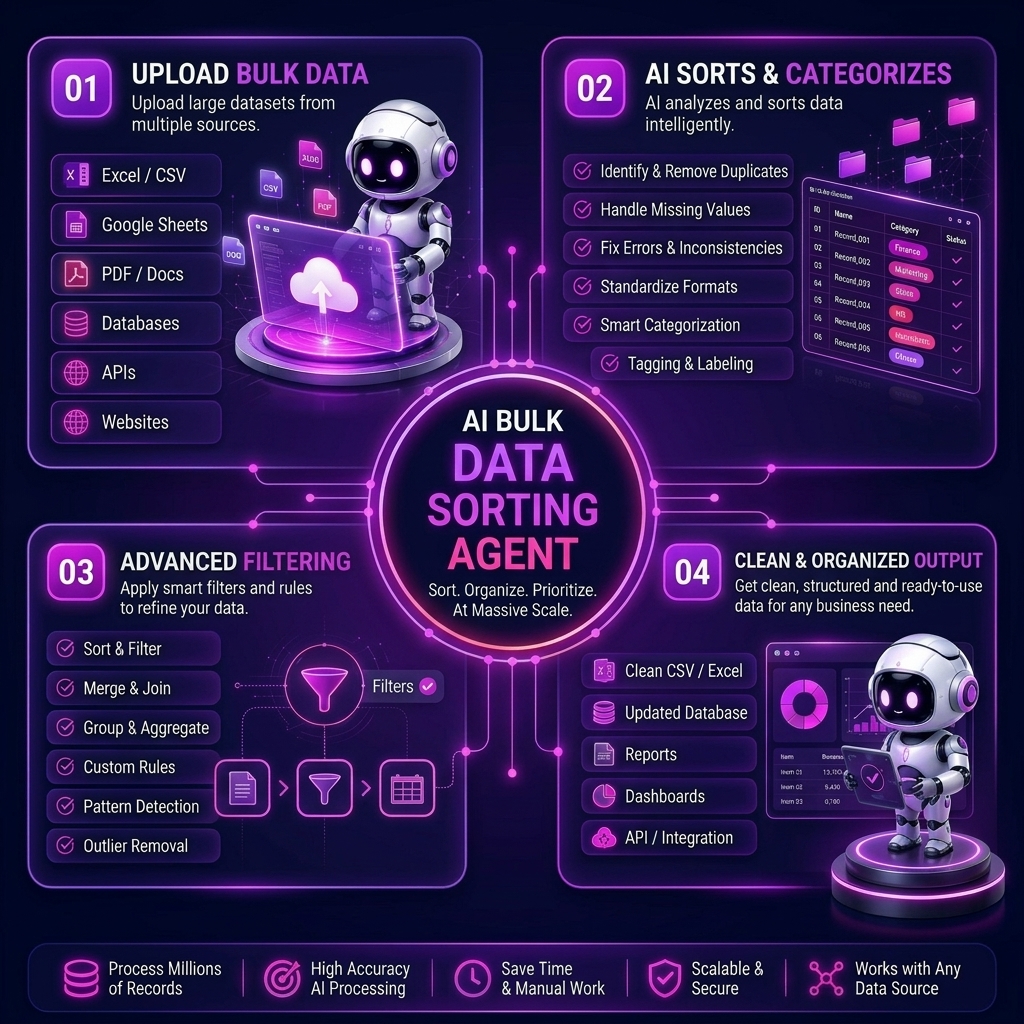
FROM MESSY FILES TO ENRICHED SHEETS
Add all your Excel, CSV, or spreadsheet files together in one go—no need to merge them manually first.
The AI scans every file, identifies columns, and automatically searches the web to find and append missing social media links (Instagram, Facebook, LinkedIn) matched to the names in your dataset.
Choose how you want the data organized. Use the location-wise finder to group records strictly by city or country, or use custom filter buttons (name-wise, date-wise) to instantly structure your data.
Get a single, deduplicated, enriched master file or category-wise sheets ready to use, download, or plug directly into your CRM or outreach tools.
Combine scattered spreadsheets from different sources into one clean, sorted master file while automatically filling in missing social data points without manual copy-pasting.
Build rich prospect lists. Find social links for your leads and sort them location-wise to run highly targeted, multi-channel campaigns faster.
Merge multiple data files, remove duplicates, and organize enriched records by category or geography for faster, more accurate reporting.
Sort large product, customer, or order files by country and use location-wise data to better understand regional audiences and localize your marketing.
Instantly enrich candidate databases. Upload applicant lists to automatically fetch their social profiles and organize them by location, role, or experience level.
Handle bulk data cleanup, lead enrichment, and sorting automatically as your files grow, without hiring a dedicated data-entry or web-research team.
FAQ
Get quick answers about how our AI agent automatically merges multiple files, finds social links, and sorts your data.

Pricing depends on the agent and the amount of work. We share the plan on a demo call. Leave your message and we'll reply within 24 hours.
The bulk data management AI agent keeps large record sets organized after the first import. It updates fields, holds a consistent format, and helps the database stay accurate as new rows keep arriving.
Businesses that add contacts, orders, or inventory every day use it so yesterday's clean file does not turn messy again. The agent maintains the records instead of leaving that upkeep to a monthly cleanup.
It organizes, updates, and checks accuracy across large sets of business records.
No. It is for ongoing management so records stay usable as new data comes in.
Teams with growing contact, order, or operations databases that drift out of date without a dedicated data person.